Step 7: View Your Sessions
Congratulations! You have successfully integrated the Nveal SDK. Once users start interacting with your website, their sessions will be recorded and sent to the Nveal Dashboard.
The Session Player
To view the captured data:
- Navigate back to the Nveal Dashboard.
- Click on Replays in the sidebar.
- You will see a list of recent sessions. Click on any session to open the Session Player.
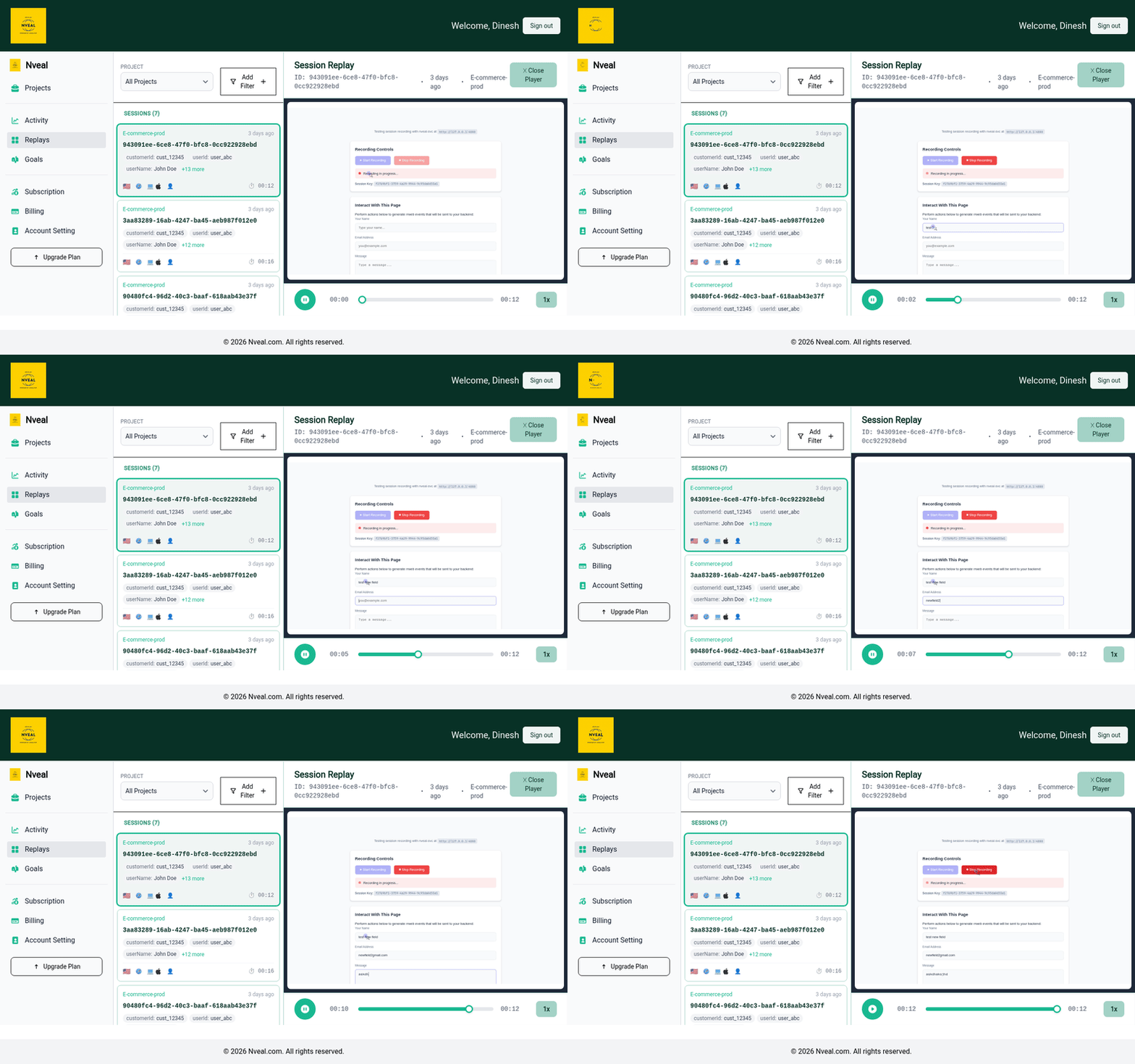
Player Features
The Session Player is packed with features to help you analyze user behavior:
- Timeline Controls: Play, pause, skip inactivity, and adjust playback speed.
- Console Logs: View any warnings or errors that were thrown in the user's browser console during the session.
- Network Activity: Inspect API calls and network requests made by the page.
- User Metadata: View custom data (like User ID or Plan Type) if you configured the SDK to pass metadata.
You are now fully set up to start optimizing your user experience with Nveal!