Step 2: Sign In & Security
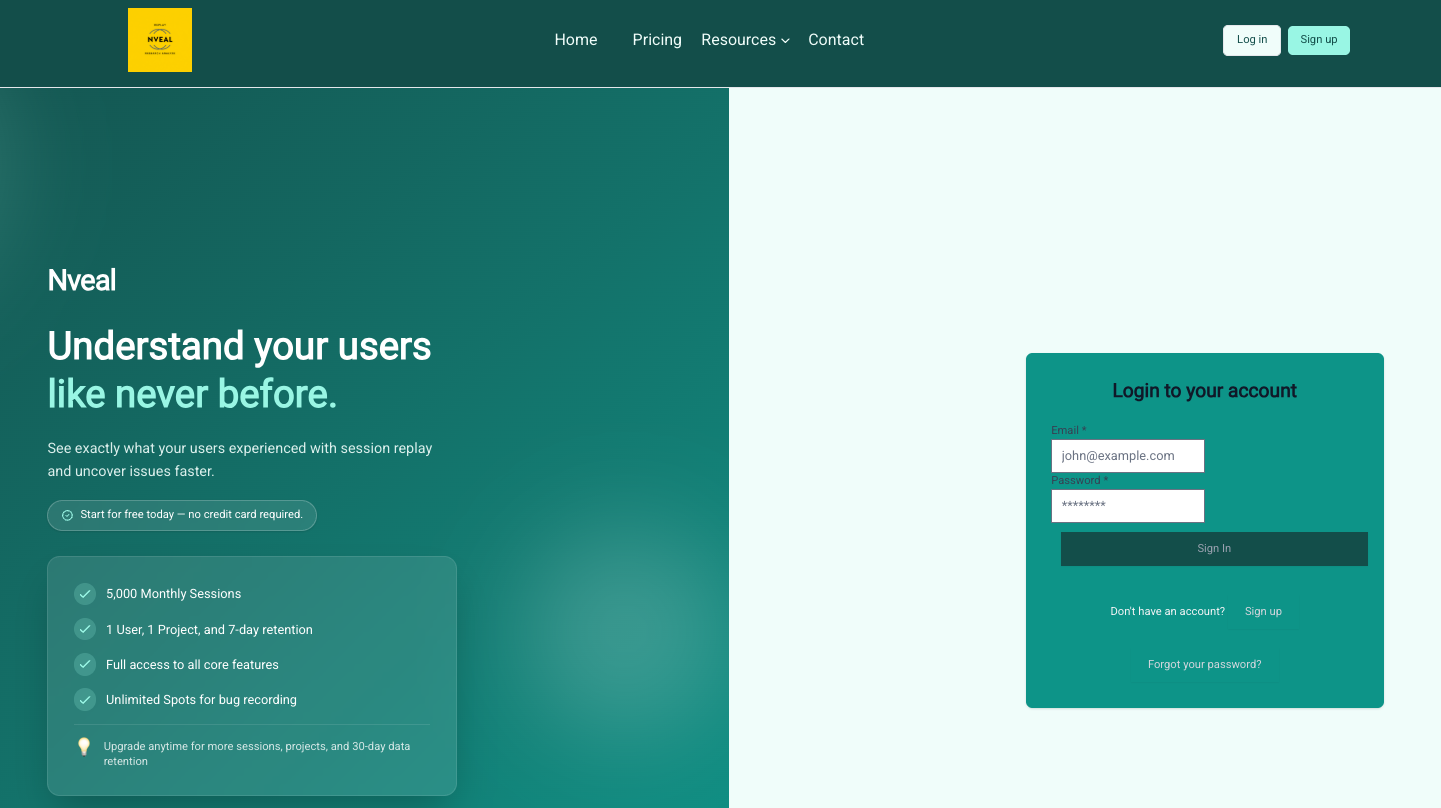
Once your email is verified, you can sign in to your Nveal dashboard.
Signing In
- Navigate to the Sign In page.
- Enter your credentials and click Log in.
Securing Your Account with 2FA
Enabling Two-Factor Authentication (2FA) on your Nveal account is a highly recommended security practice.
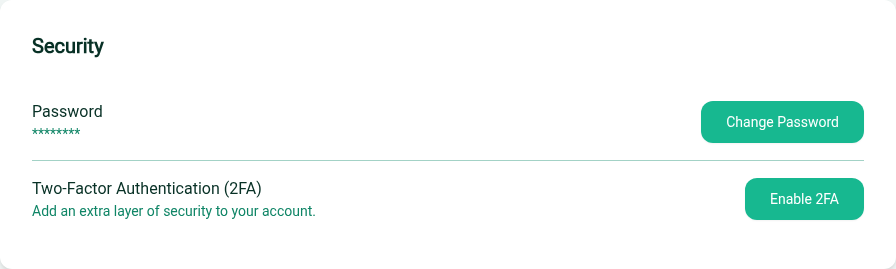
- Once logged in, navigate to Account Settings.
- Look for the Security or Two-Factor Authentication section.
- Click Enable 2FA.
- Scan the provided QR code with an authenticator app (like Google Authenticator or Authy).
- Enter the 6-digit code generated by your app to verify and complete the setup.
Warning
Keep your recovery codes safe! If you lose access to your authenticator app, these codes are the only way to regain access to your Nveal account.