Step 3: Dashboard Walkthrough
Welcome to the Nveal Dashboard! This is your central hub for reviewing sessions, analyzing user behavior, and managing your projects.
Overview
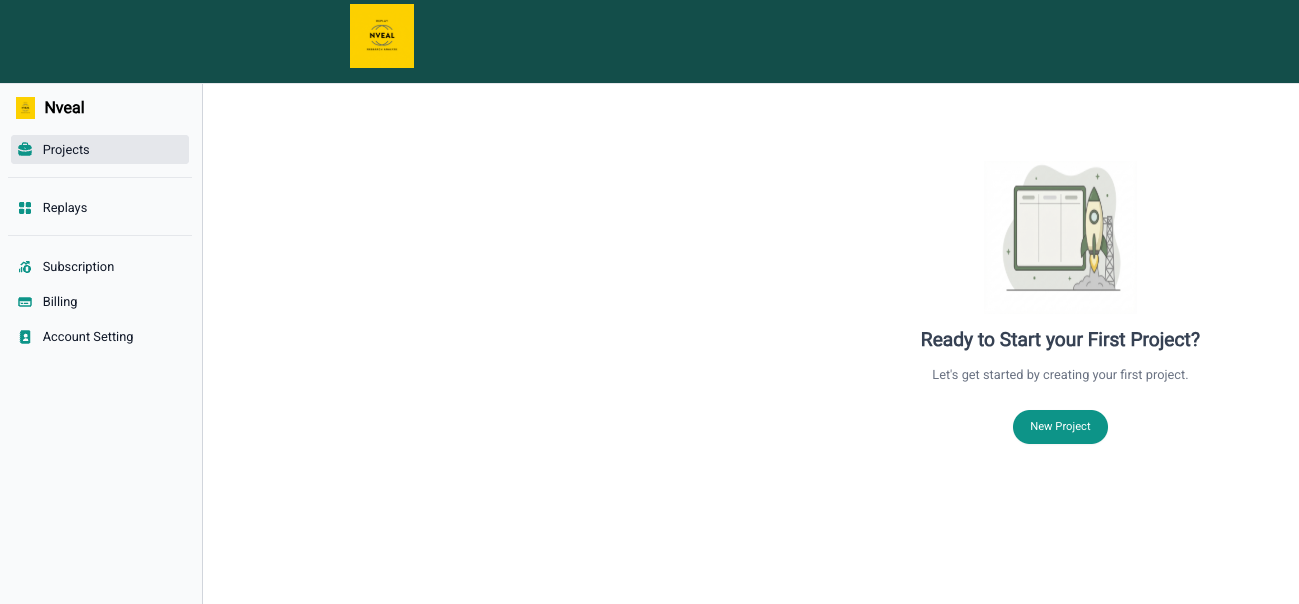
When you log in, you will be greeted by the main dashboard interface. Here is a quick walkthrough of what you will find:
- Projects: Your data is isolated into "Projects." You can create separate projects for your staging environment, production environment, or completely different applications.
- Replays: The core of Nveal. Here you can view, filter, and watch the captured user sessions for your active project.
Take a moment to familiarize yourself with the layout before we move on to creating your first project!